


Yes, DTG can print on polyester when you use a polyester-specific pretreat and follow a controlled curing workflow. The main catch is that most polyester jobs run CMYK-only, which works best on light-colored garments rather than dark ones. The steps below walk through the chemistry, the OEM guidance, and the exact workflow we use to make it repeatable.
TL;DR:
- Reject garments with softener, antimicrobial, or water repellent finishes; a water drop that beads on a scrap signals pretreat may not adhere evenly.
- Epson suggests a 1:2 dilution for lighter garments, while Brother recommends 1:1 or 2:1 mixes; weigh coverage for each 14 by 16 inch print area.
- Treat OEM press settings as starting points, because excess heat or dwell time can scorch polyester or trigger dye migration; test small adjustments first.
- Choose DTF for dark polyester or opaque full color designs, and sublimation for all over performance wear where maximum colorfastness is needed.
- Before production, wash test a sample cold and inside out, then check abrasion; lower press temperature or hover briefly if dye migration appears.
Table of Contents
- Can DTG print on polyester? OEM guidance and the technical why
- Step-by-step polyester DTG pretreatment and print workflow
- Curing, finishing, and wash-care for polyester DTG prints
- Print quality, limitations, and practical alternatives for polyester jobs
- A shop perspective on calibrating polyester DTG
- How we handle polyester DTG and related printing at Tekton LA
- FAQ
- Sources
Can DTG print on polyester? OEM guidance and the technical why
Cotton drinks up water-based DTG ink because the fiber is absorbent and porous. Polyester is not. It’s a synthetic filament that resists water-based pigment, which is why ink sits on the surface instead of bonding to it, and why color can look washed out or patchy without the right prep.
Pretreat solves this by creating a surface the ink can grab. Epson introduced a polyester-specific pretreatment in 2018 designed to open 100% polyester garment printing to DTG shops, and the product carries OEKO-TEX ECO PASSPORT certification. Brother’s support documentation covers a parallel DTG (poly) pretreat approach, with specific mix ratios and heat-press starting points for polyester fibers.
Both manufacturers converge on the same practical conditions:
- Light-colored or white polyester garments print best with CMYK-only ink, since there’s no white underbase step in this workflow.
- Dark polyester garments are harder to print well with DTG and often call for a different process entirely.
- Consistent pretreat application, not the printer model, is usually what separates a clean print from a muddy one.
When dark garments or full-color transfers are the job, DTF and DTFilm become the more realistic route, a point we come back to later.
Step-by-step polyester DTG pretreatment and print workflow
Start with the garment itself. Skip anything treated with softeners, antimicrobial finishes, or water-repellent coatings like Scotchgard: these finishes repel pretreat the same way they repel water, leaving ink sitting unevenly on the surface.
- Check the garment finish. Run a water-drop test on a scrap piece; if it beads up, the finish will likely fight the pretreat too.
- Mix the pretreat. Epson’s FAQ page recommends starting ratios like 1:2 dilution for lighter garments, while Brother’s guidance suggests 1:1 or 2:1 depending on the fabric and desired opacity.
- Weigh the application, don’t eyeball it. Brother’s pretreat volume guidance points to a controlled amount of mixed pretreat appropriate for a full 14x16 inch area on 100% polyester, a target we’ve adopted as our own baseline because spraying “until wet” leads to inconsistent coverage from one shirt to the next.
- Choose your application method. HVLP guns offer fine control for small runs, calibrated handheld sprayers work for mid-volume jobs, and an automated pretreat machine gives the most consistent gram-per-shirt output across larger batches.
- Dry and pre-cure the pretreat. Heat-press the garment at OEM-recommended settings before printing; this flattens fibers and locks the pretreat chemistry in place.
- Set up your print profile. Confirm CMYK-only mode for light polyester, check ink limits, and run a small test swatch before committing to a full batch.
Pro Tip: Log your gram weight, mix ratio, and press time for every batch so a color shift two weeks later is a two-minute fix, not a guessing game.
We go deeper on gram-based measurement in our pretreatment weighing guide, which covers the 14x16 inch benchmark in more detail for shops setting up their own calibration.
Curing, finishing, and wash-care for polyester DTG prints
Cure settings for polyester pretreat and ink follow OEM starting points, but they’re starting points, not fixed rules. Overcuring is a common failure mode: push temperature or dwell time too far and you risk scorching synthetic fibers or locking in dye migration instead of preventing it.
- Begin with the heat-press time and temperature listed on the Brother pretreat volume page, then adjust in small increments based on test results.
- Dye migration, the bleeding of disperse dyes into fresh ink under heat, is reduced by lowering press temperature slightly or using a hover-press technique that keeps heat off the garment for a few seconds before full contact.
- For problem dye lots, run a pre-wash screening test on a sample garment before committing to a full production run.
One wash cycle, run cold and inside out, is often enough to reveal whether a print will hold up over time. Epson’s DTG product guidance recommends washing printed polyester garments inside out in cold water to preserve print quality, advice we pass along with every polyester order.
Before shipping any batch, run a wash-test sample and a light abrasion check by hand. Suggested care instructions for the customer: wash cold, inside out, skip the dryer’s high heat setting, and avoid ironing directly on the print.
Print quality, limitations, and practical alternatives for polyester jobs
CMYK-only DTG on light polyester produces soft, photographic color without the opaque punch a white underbase gives on cotton. That’s not a flaw so much as a different visual outcome: colors read more blended and less poster-bright, which actually suits sportswear graphics and all-over tonal designs well.

Durability also looks different. Wash-fastness on polyester DTG can run lower than a well-cured cotton print, especially without disciplined pretreat and cure control, which is part of why the wash-test step matters more here than on cotton jobs.
A few decision points we use to steer a job toward DTG or somewhere else:
- Light or white 100% polyester, single design, moderate run size: DTG is usually the right call.
- Dark polyester or full-color art that needs opacity: DTF or DTFilm handles it better since the transfer carries its own white layer.
- All-over prints or 100% polyester performance wear needing maximum colorfastness: dye sublimation is often the stronger fit.
- Polyester-cotton blends: DTG performance sits between pure cotton and pure polyester, and pretreat ratios usually need adjusting down from the full-poly recipe.
Youth and team sports jerseys, often a polyester-heavy blend, are a case where this decision matters: a club ordering custom-branded gear for young athletes benefits from knowing upfront whether DTG, DTF, or sublimation fits their fabric and design, the same way a youth baseball equipment program has to match gear to the player’s skill level and use case.
A shop perspective on calibrating polyester DTG
Most polyester DTG failures trace back to unmeasured pretreat, not bad equipment. We weigh pretreat on a small test area rather than trusting a spray pattern by eye, because grams are repeatable and “looks wet enough” is not.
Humidity shifts pretreat drying time more than most shops expect, so we check it alongside press dwell time before running a full batch, catching problems on one shirt instead of forty.
— Christian
How we handle polyester DTG and related printing at Tekton LA
We run polyester DTG, DTF, and sublimation side by side in our Los Angeles shop, so the fabric and design dictate the process rather than whichever machine happens to be free. That means a light polyester tee gets pretreat calibrated to its fiber, while a dark jersey or all-over design gets routed to DTF or sublimation instead of forced through a process that won’t hold color.
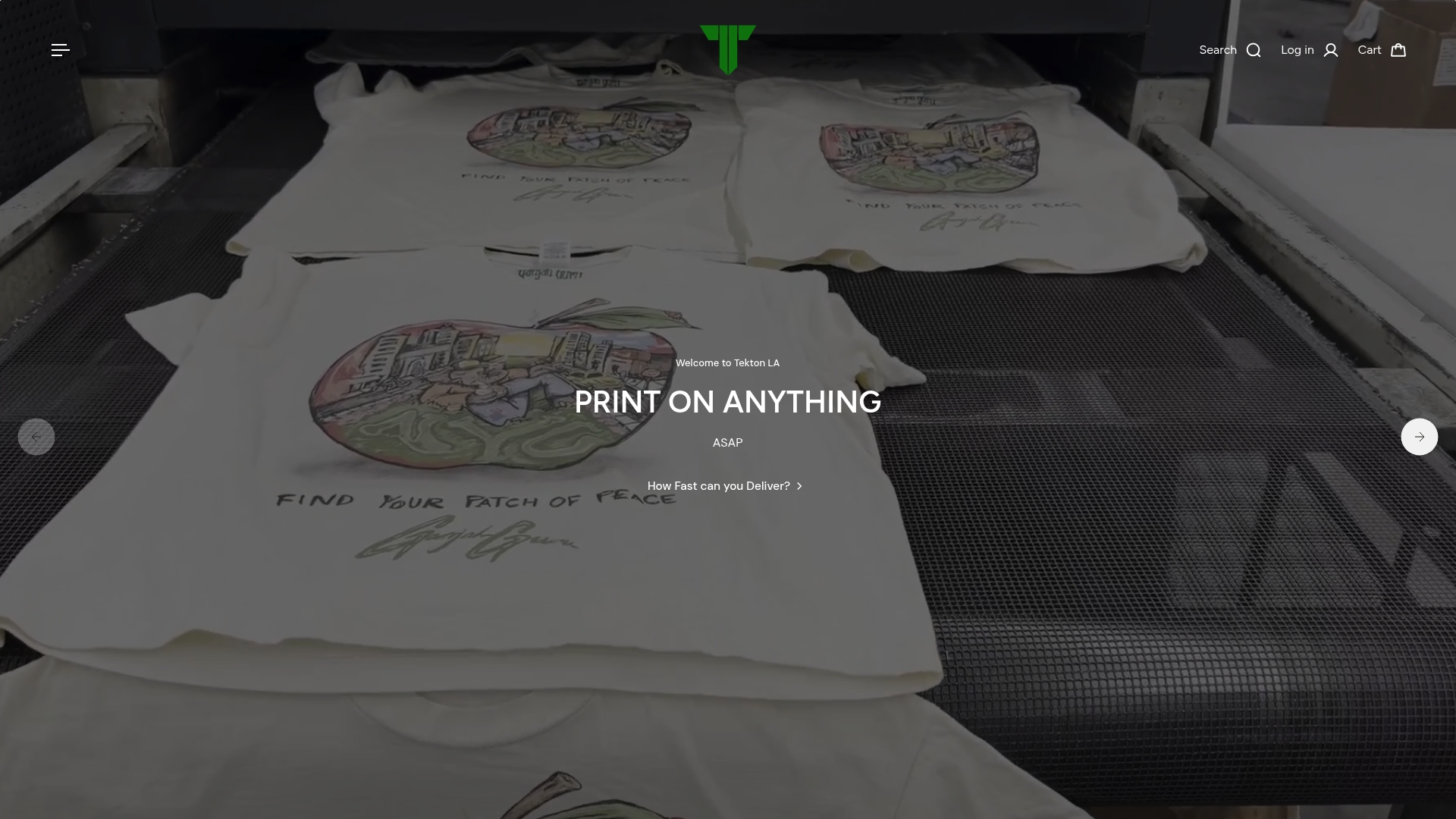
If you have a polyester job you’re unsure about, request a sample print or ask our team for a quick preflight check before committing to a full run. You can see current options on our DTG pricing page or browse our DTF service page if dark or full-color polyester is the goal.
FAQ
Can you print DTG on polyester?
Yes, DTG can print on polyester when you use a polyester-specific pretreat, as detailed in Epson’s printing guidance. Results are strongest on light-colored garments printed CMYK-only, since there’s no white underbase in this workflow.
Which one is better, DTF or DTG?
Neither is universally better; they fit different jobs. DTG on polyester works well for light garments and softer color blends, while DTF handles dark fabrics and full-color art because the transfer film carries its own white layer, a distinction we cover in our DTF explainer.
How much does DTG cost per shirt?
Pricing depends on garment, design complexity, and order volume, so we don’t publish a flat per-shirt figure. You can get an exact quote through our DTG pricing page.
Is DTG print of good quality?
DTG print quality on polyester can be strong when pretreat is mixed and applied by weight rather than by eye, following starting points like those on Brother’s pretreat volume guidance. Durability and color vibrancy improve further with a proper cure cycle and a cold, inside-out wash routine.
Sources
These are the primary references behind the pretreat ratios, cure settings, and process notes above, useful if you want to verify a setting before running your own batch.
- Printing on Polyester Garments
- Epson introduces direct-to-garment solution for 100 percent polyester printing
- Printing on Substrates: Printing on polyester
- Can I print on a polyester garment? — Epson FAQ