


You have an event in 48 hours and zero shirts. It happens to every event organizer at least once. Last minute event apparel printing is one of those skills that feels impossible until you actually know the steps, and then it becomes manageable. Whether you are coordinating a company 5K, outfitting a sports team for a tournament, or pulling together staff uniforms for a weekend pop-up, this guide walks you through exactly what to prepare, which printing method to choose, how to place your order without creating costly delays, and what to check when the box arrives.
Table of Contents
- Key Takeaways
- What you need before starting last minute event apparel printing
- How to place a rush apparel printing order
- Common mistakes that delay urgent printing orders
- What to expect when your apparel arrives
- My honest take on rush printing
- Get your rush order done right with Tektonla
- FAQ
Key Takeaways
| Point | Details |
|---|---|
| Choose DTF for rush orders | DTF printing skips screen setup entirely, making it the fastest method for small to mid-size urgent orders. |
| Submit 300 DPI artwork | Low-resolution files cause pixelation and delays, and reprints on a tight deadline will cost you the event. |
| Communicate your deadline first | Tell your printer your hard deadline before anything else so they can confirm feasibility upfront. |
| Use local pickup when possible | Shipping buffer time is frequently underestimated; local pickup eliminates that risk entirely. |
| Inspect prints immediately | Check color accuracy and garment quality the moment your order arrives, not the morning of the event. |
What you need before starting last minute event apparel printing
Before you contact a single printer, you need three pieces of information locked in: your exact quantity, your event date and time, and your garment type. Vague answers here create delays. “Around 50 shirts” is not an order. “52 medium-weight cotton tees by Saturday at 8 AM” is.
Print method comparison
The printing method you choose will determine whether your order is physically possible in your timeframe. Here is how the two most common rush options compare:
| Feature | DTF Printing | Screen Printing |
|---|---|---|
| Setup time | Minimal, no screens needed | Requires screen burning and alignment |
| Ideal order size | 1 to 100+ pieces | Most cost-effective at 100+ pieces |
| Color complexity | Full color, gradients, no extra cost | Each color adds setup cost and time |
| Rush feasibility | Excellent for same-day orders | Slower setup makes rush harder |
| Fabric compatibility | Works on most blends | Best on cotton or high-cotton blends |
DTF printing eliminates screen setup, making it ideal for full-color and rush orders without minimums. If your order is under 100 pieces or your design has more than two colors, DTF is almost always the right call for a rush situation. Screen printing is ideal for larger bulk orders of 100 or more pieces with simple designs, but the screen burning and alignment process adds hours you may not have.
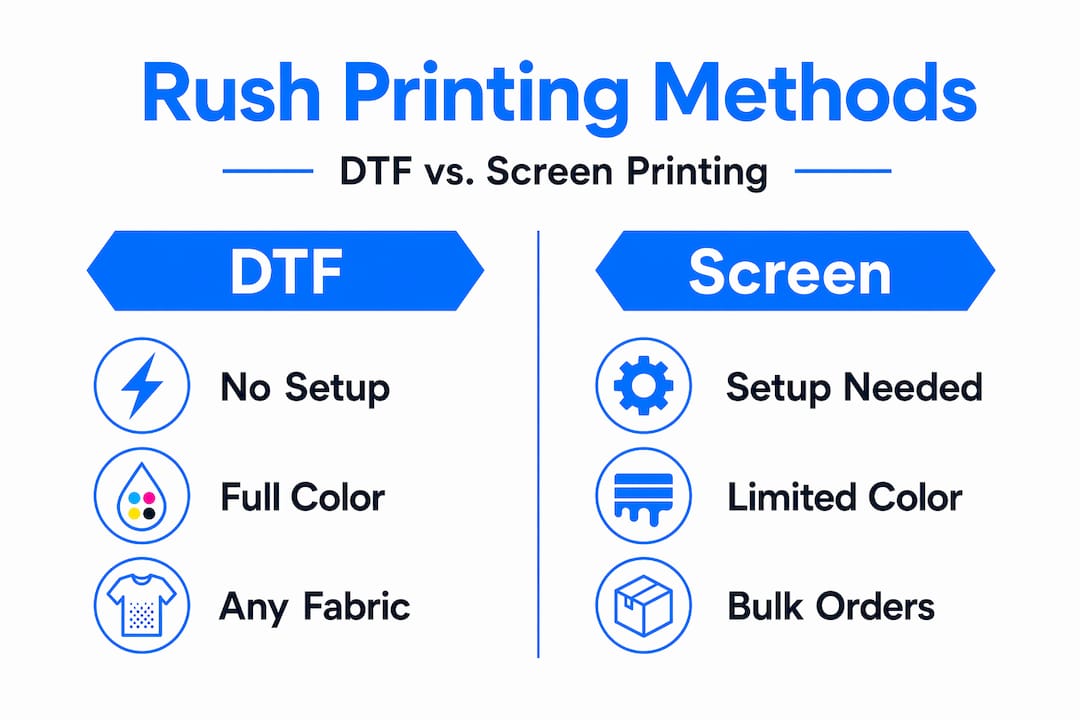
For fabric, DTF has a real advantage. DTF handles various fabric blends and complex color gradients better than screen printing for small runs, which matters when your team is wearing mixed performance and cotton shirts.
Artwork preparation
Your artwork is the single most controllable variable in this process. Submit the wrong file and you add hours or days to your timeline. The standard requirement is a minimum of 300 DPI resolution to avoid blurry, pixelated prints, especially on rush jobs where there is no time for reprints.
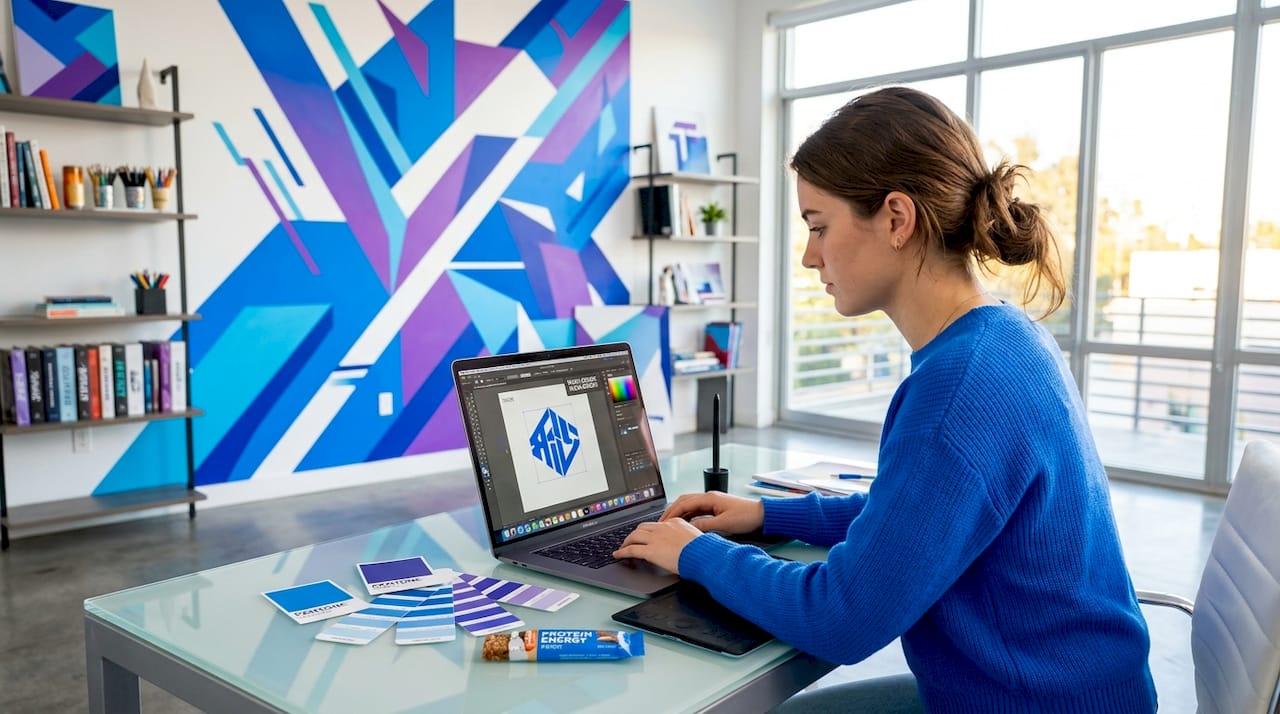
Accepted formats at most printers include PNG with a transparent background, AI (Adobe Illustrator), or PDF. Avoid JPEGs with white backgrounds; they require extra editing work on the printer’s end. If you are working with a logo, ask your marketing team for the original vector file.
Pro Tip: If your only file is a low-resolution PNG pulled from a website, tools like Adobe Firefly or Vectorizer.io can upscale or vectorize it in minutes before you submit your order.
How to place a rush apparel printing order
Speed in the ordering process comes from removing every back-and-forth exchange before it happens. Here is the exact sequence to follow.
- Confirm feasibility first. Call or message your printer before submitting anything. State your quantity, garment type, design complexity, and hard deadline. A reputable printer will tell you immediately if the timeline is possible.
- Submit your artwork in one complete package. Include your file in the correct format, the Pantone or hex color codes you need matched, print dimensions (width and height in inches), and placement on the garment (left chest, full front, back).
- Specify your pickup or delivery preference. Local providers with same-day pickup significantly reduce risk for last-minute event apparel. If you are shipping, get a confirmed delivery date in writing before the order is finalized.
- Request a digital proof. Even on a rush timeline, most quality printers can send a digital mockup within an hour. Approve it in writing so there is no ambiguity about what you ordered.
- Confirm the production schedule. Ask specifically when your order enters production, not just when it is estimated to ship.
Clear communication about deadlines and file specs reduces errors and avoids the delays that kill rush orders. The printers who handle urgent work well are the ones who ask you the right questions upfront. If a printer takes your order without asking about file format or fabric, that is a red flag.
You can also review Tektonla’s garment printing techniques guide to get familiar with what to expect from different production methods before you call.
Pro Tip: Save a rush order template in your phone notes with blank fields for quantity, deadline, garment type, file format, and color codes. Fill it in before every call with a printer and you will cut the back-and-forth by half.
Common mistakes that delay urgent printing orders
Most rush printing disasters trace back to a handful of repeatable errors. Knowing them in advance means you can avoid them entirely.
- Submitting low-resolution artwork. This is the number one cause of delays on rush orders. A file that looks sharp on your laptop screen may print blurry at full size. Always confirm the DPI before submitting.
- Assuming screen printing is fastest. Many people assume screen printing is the fastest method, but the screen setup process takes time that DTF simply does not require. For orders under 100 pieces with any color complexity, DTF is faster almost every time.
- Ignoring dark shirt considerations. Printing on dark shirts requires a white underbase for vivid colors, which adds layers and curing time. If your event shirt is black or navy, factor this into your timeline.
- Underestimating shipping time. Event organizers frequently underestimate delivery buffer time, especially when relying on standard shipping. Always add at least one extra day to the estimated delivery date, or switch to local pickup.
- Making last-minute design changes. Every design change after proof approval restarts part of the production process. Lock your design before you order, not after.
“The fastest order is the one that goes into production without a single revision request.”
Pro Tip: Before you finalize your garment color, ask your printer which shirt colors are in stock for same-day or next-day production. Ordering a color that requires a stock transfer will add time you do not have.
Thinking ahead about fast turnaround clothing production can help you understand how local printers structure their rush workflows, which makes you a much more efficient client.
What to expect when your apparel arrives
The box arrives. Here is how to inspect it without wasting a minute.
- Count the pieces immediately. Do not wait until the morning of the event to discover you are three shirts short.
- Check print clarity on multiple garments. Pull shirts from the top, middle, and bottom of the box. Print quality can vary across a run, and checking a single shirt gives you incomplete information.
- Verify color accuracy. Compare the print to your approved digital proof or your original brand colors. Minor variation is normal in most printing processes. Significant color drift is not.
- Check garment quality separately from print quality. Look at seams, collar condition, and fabric weight. If you ordered a specific blank and received a substitute, address it immediately.
- Test wash durability if time allows. For multi-day events, run one shirt through a quick wash cycle. DTF transfers and screen prints that are properly cured will hold up. If ink peels on the first wash, that is a quality issue to escalate before the event.
If you find a defect, contact your printer with photos within the hour. Same-day printing services with efficient workflows often have expedited remake options for verified defects on rush orders. Document everything with photos the moment you open the box.
My honest take on rush printing
I have watched event organizers spend more time panicking about last-minute apparel than actually solving the problem. Here is what I have come to believe after years of working with printers and event teams: the chaos is almost always self-created.
The single biggest shift I have seen is the rise of DTF printing for rush work. Before DTF, a rush order under 50 pieces with a full-color design was genuinely difficult to fulfill with quality. Now it is Tuesday-morning straightforward. If you are still thinking of screen printing as the default for event apparel, update that assumption.
What actually separates a smooth rush order from a disaster is not the printing technology. It is the client’s preparation. Printers can move fast when they receive clean files, clear specs, and a confirmed payment. What slows them down is chasing approvals, correcting artwork, and waiting on decisions. Every minute a printer spends asking you for something is a minute not spent printing your shirts.
My practical advice: treat the artwork as a separate task you complete before you contact any printer. Get your file right, know your quantities, pick your garment color, and then make the call. That sequence alone will make you a client every rush printer wants to work with.
— Christian
Get your rush order done right with Tektonla
When your event timeline is tight, working with a printer who already understands rush workflows is the most direct path to getting quality apparel on time. Tektonla, based in Downtown Los Angeles, offers fast-turnaround custom apparel including screen printing options and premium event-ready shirts like the Printers Shirt, designed to hold up whether you need 10 pieces or 500. Their production team handles DTF, screen printing, embroidery, and more with no minimum order requirements on blanks. If your event is in Los Angeles or Southern California, local pickup is available and eliminates the shipping risk entirely. Explore Tektonla’s full catalog to find the right product for your next event, and reach out with your deadline before anything else.
FAQ
What is the fastest printing method for last-minute apparel?
DTF printing is the fastest option for small to mid-size rush orders because it requires no screen setup. It handles full-color designs and multiple fabric types without additional lead time.
How quickly can I get custom event shirts printed?
Many local providers with efficient workflows can fulfill same-day shirt printing for orders placed in the morning, particularly for DTF or simple screen prints. Confirming feasibility directly with your printer before submitting your order is the critical first step.
What file format should I send for a rush order?
Submit a PNG file with a transparent background or a vector file in AI or PDF format at a minimum of 300 DPI. Low-resolution files cause pixelation and will delay your order at the worst possible time.
Can I print on dark shirts for a rush order?
Yes, but printing vivid colors on dark garments requires a white underbase layer, which adds curing time. Factor this into your deadline, or simplify your design to a single light color to speed up production.
Is local pickup better than shipping for urgent printing?
For any event with less than 72 hours of lead time, local pickup is almost always the safer choice. Shipping timelines are estimates, not guarantees, and event organizers frequently underestimate delivery buffer time when cutting it close.